
Guide
The messages that do not wait for you
How the readouts and messages in R.E.P.O. appear and disappear, so a number that vanished can be told apart from one that never arrived.
Applies to
0.4.0, read from the copy of the game this site was built from (see the sources page)
Before you start
- A run in progress
- Something worth reading on screen
- More than one thing happening at once
Steps
- Know that the readouts share a base rather than each being built separately.
the readouts share a base with a text, a transform, a show position and a hide position - Expect a readout to have a place it comes from and a place it goes to.
each has a show position and a hide position rather than appearing in place - Read it while it is there, because each has a hide timer of its own.
each has a default hide timer and a hidden flag - Watch the shrink rather than the disappearance, because leaving is animated.
they shrink on an animation curve and raise an event when the shrink completes - Expect some messages to animate the whole object and not only the text.
they can animate the whole object rather than only the text - Know that some readouts are kept from being switched off.
they can be kept from being disabled - Know which fixed readout answers what, because not everything fades.
health, the haul, the goal and item details each have a readout of their own under one state readout - Look for the second item readout when the first is not enough.
item details have a second readout for extra information
Common mistakes
- Missing a message that had a hide timer and was gone before you looked.
- Reading a shrink as a miss rather than as the readout leaving.
- Waiting for a fixed readout to disappear when it is kept on purpose.
- Reading only the first line of item detail.
Related entries
 Interface and readoutsThe readouts that fade awayThe readouts share a base with a text, a transform, a show position and a hide position.
 Interface and readoutsThe readouts you play byThe game keeps a readout of its own for the state you play by.
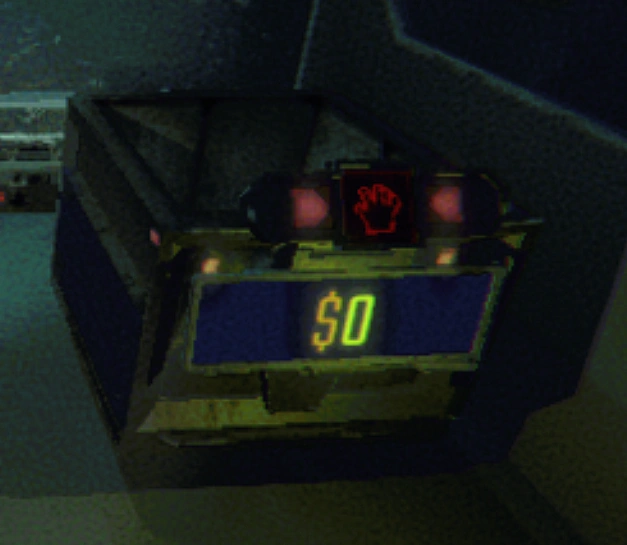 Interface and readoutsThe numbers that float over thingsThe floating value text has an intro and an outro curve.
Sources
A local copy of the game, read only. Grounding for each step is on the technical reference pages; no number is estimated.