
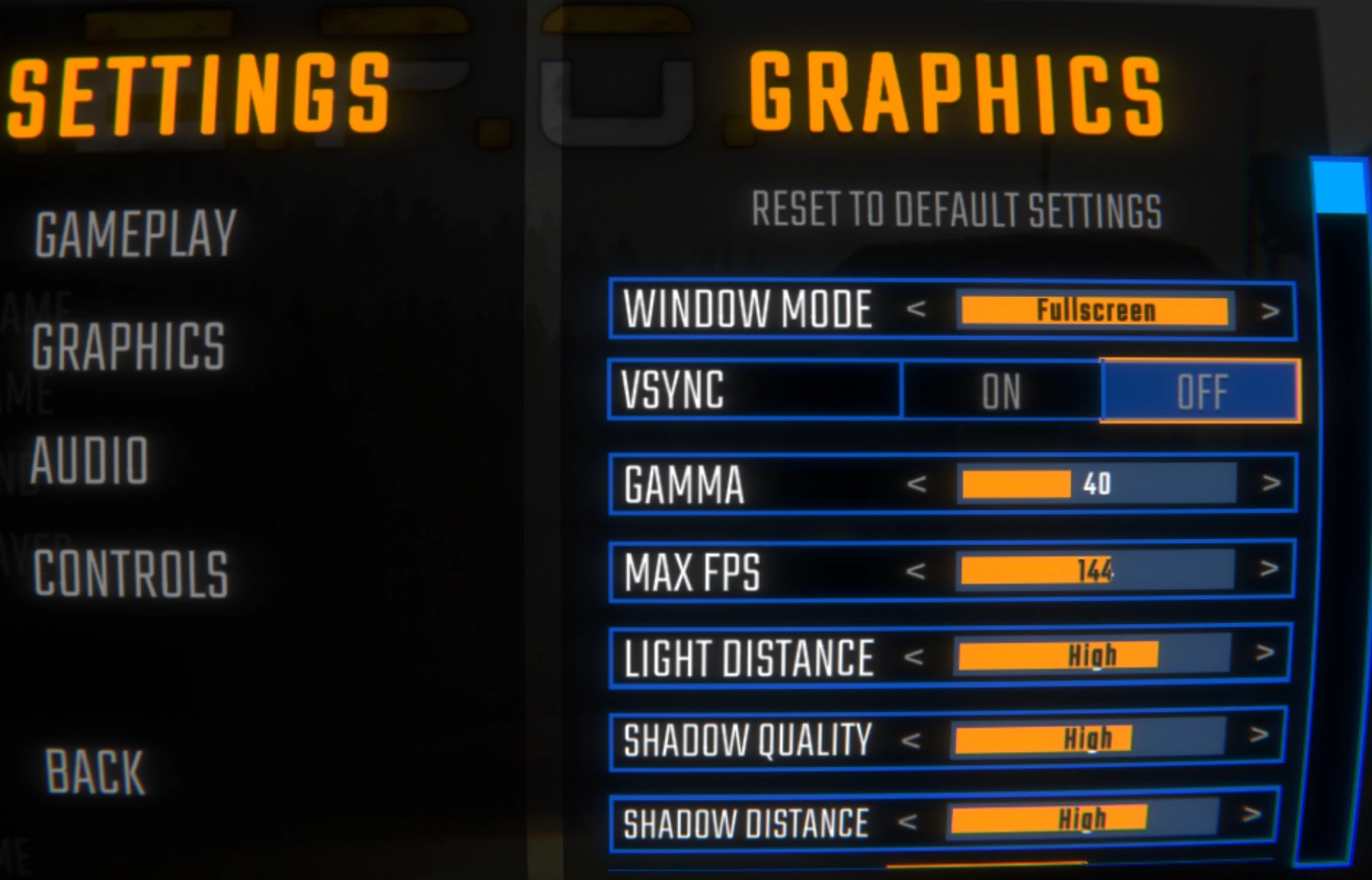
Interface and readouts · R.E.P.O. v0.4.0 · read from a local copy
What the build keeps for debugging
The build ships a debug console with a key that toggles it.
R.E.P.O. ships tools its own makers use: a console with a key that opens it and texts for suggestions and answers, and an overlay that prints an enemy's state and timers for whoever is watching.
What the game establishes
- The build ships a debug console with a key that toggles it. (checked against the game's own files)
- The console keeps a chat text, a suggestions text and a response text. (checked against the game's own files)
- It has a scroll indicator of its own. (checked against the game's own files)
- There is an enemy debug overlay with a switch and a reference to the enemy it watches. (checked against the game's own files)
- That overlay reads the state, the state time and the maximum state time off the monster by name. (checked against the game's own files)
In play
The build has a console of its own. There is a debug console with a key that toggles it, which is why someone working on the game can open a place to type rather than relying on the game's own menus.
The console answers as well as listens. It keeps a chat text, a suggestions text and a response text of its own, so what you type can be suggested back and answered in the same window.
It scrolls and it turns things on. There is a scroll indicator for its output and an object it enables when it opens, which is how the console takes over part of the screen instead of floating over the shop.
There is a second tool for monsters. An enemy debug overlay has a switch and a reference to the enemy it is watching, so one monster can be inspected without the others being touched.
That overlay prints what the monster is doing. It holds the names of the state, the state time and the maximum state time, which is how it can read those values out of the monster and show them rather than hard-coding labels.
Neither of these is meant for a crew. They are kept for the people making the game, which is why they sit alongside the debug flags for drawing checks that would otherwise be invisible.
What this entry does not tell you: what commands the console accepts, what any of them do, or how the overlay is turned on. We have not verified those, so we do not print them.
Related
 MonstersWhat a monster is doingA monster is always in one of a fixed set of named states.
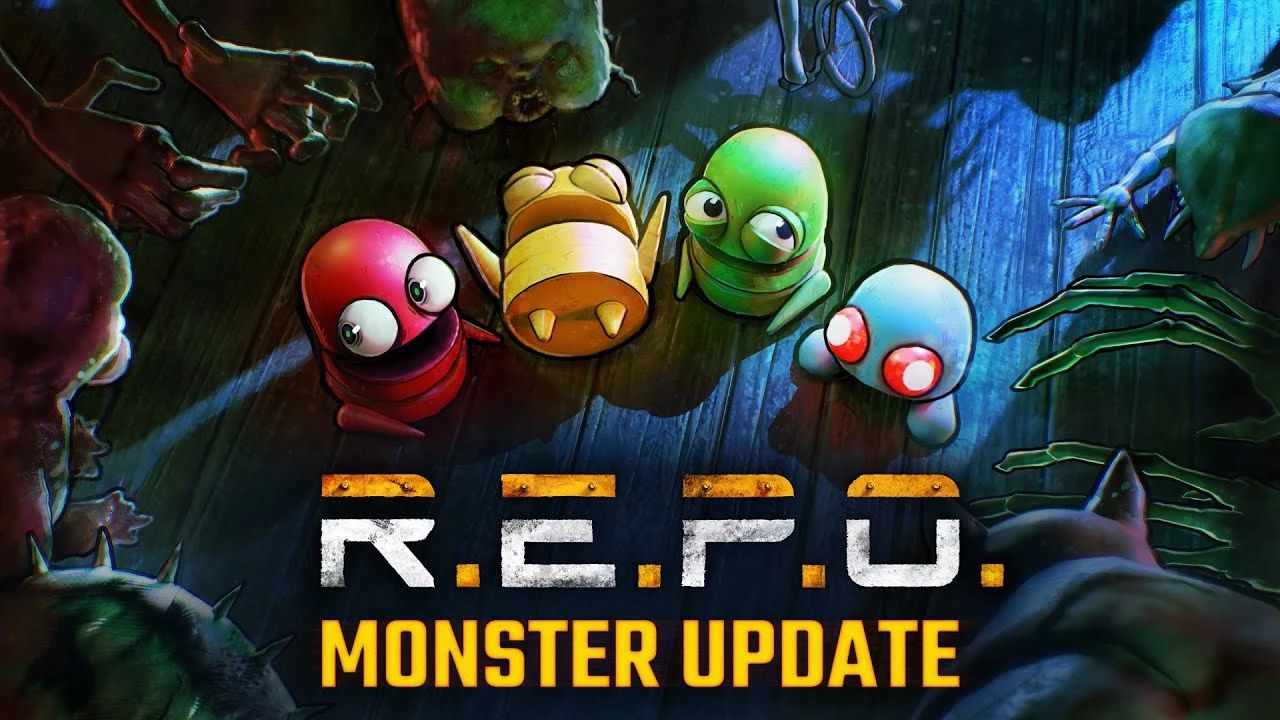 MonstersEnemies and what they doThe game defines several distinct monsters rather than one enemy type.
 How the game behavesThe record every monster is givenA monster's record carries a name and a localized version of it.
Version and sources
A local copy of the game, read only. Identifiers are listed on the technical reference pages; nothing here is estimated. Documented build: 0.4.0.